Table of contents
bk_led_matrix
QMK community module for the 12x16 WS2812 LED matrix on the left half of the Dilemma (bit-banged on LED_MATRIX_MODULE_PIN, RP2040 only).
Stored in the modules repository.
The code for this module was heavily generated by AI.
Animations
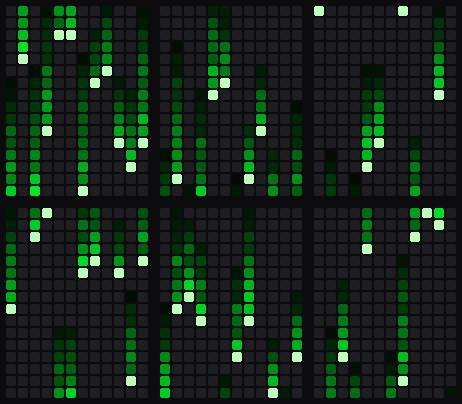
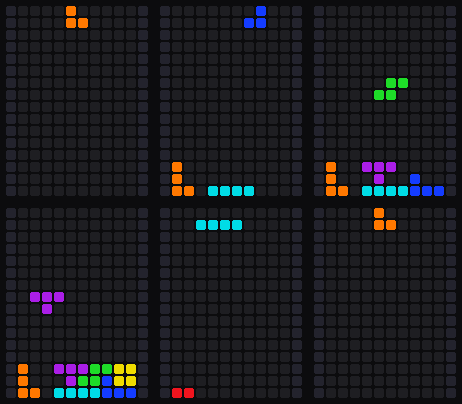
LM_ANIM (0x7E21; Shift: back) cycles through these and saves the choice. The reactive ones follow the trackball; all keep running while the ball is still.
| Sparks | Fireworks | Ocean |
|---|---|---|
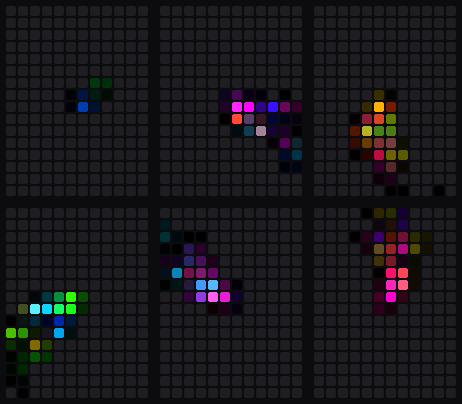 | 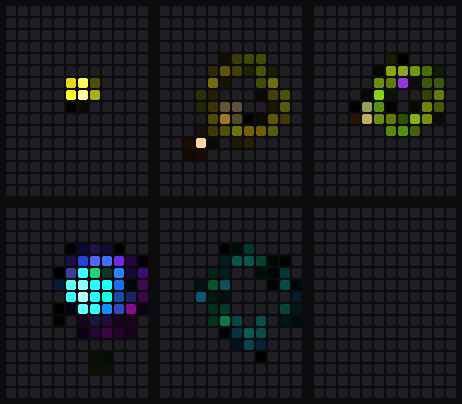 |  |
| Asteroids | Matrix | Tetris |
|---|---|---|
 |  |  |
Layer animations
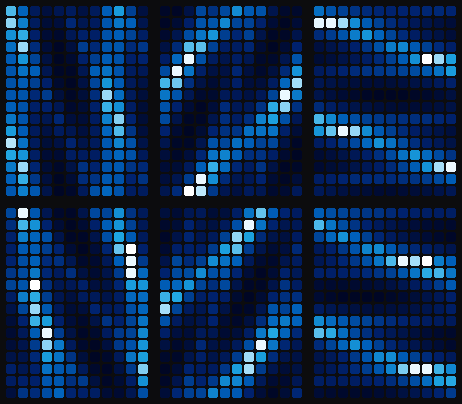
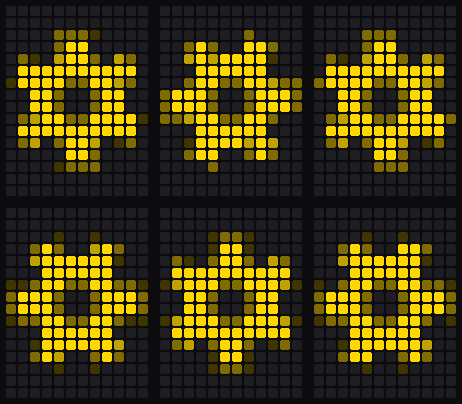
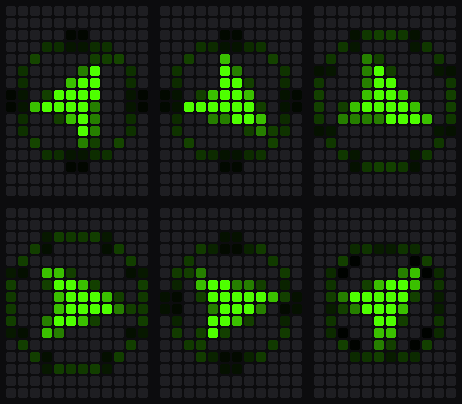
Shown while a layer is held, also while the ball moves, except on the auto-mouse layer. The keymap picks one per layer with bklm_layer_anim_user(); layers without one show the layer stack.
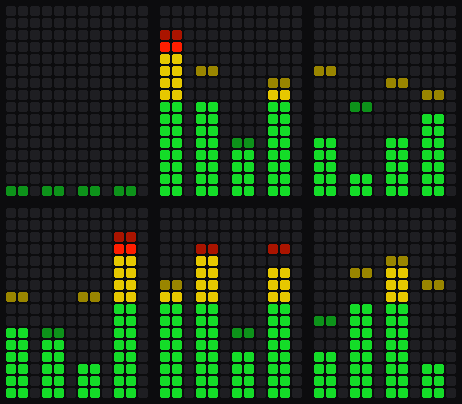
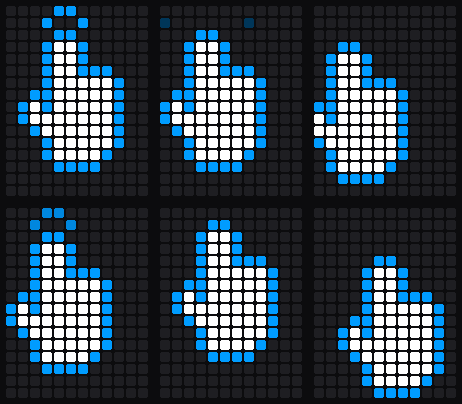
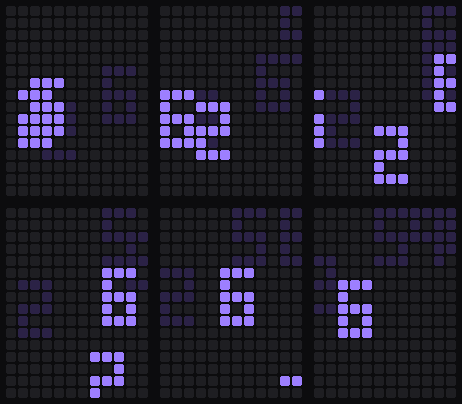
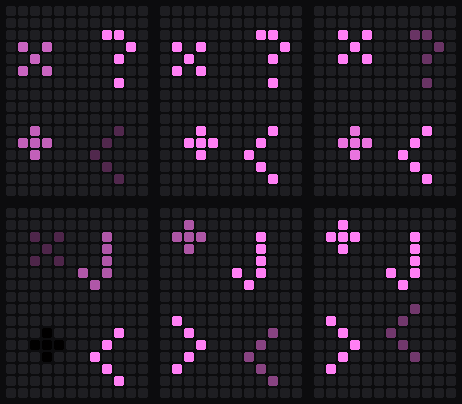
| Gear | Nav arrow | Equaliser | Hand | Digit | Math |
|---|---|---|---|---|---|
 |  |  |  |  |  |
Pointer modes
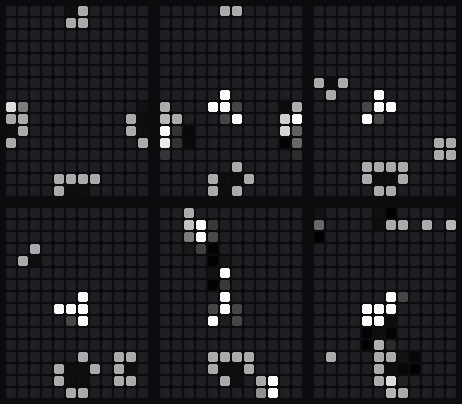
Drag-scroll and sniping are animated; cursor, brightness, zoom, volume, tab switch, history and custom 1–5 show an icon.
| Drag-scroll | Sniping |
|---|---|
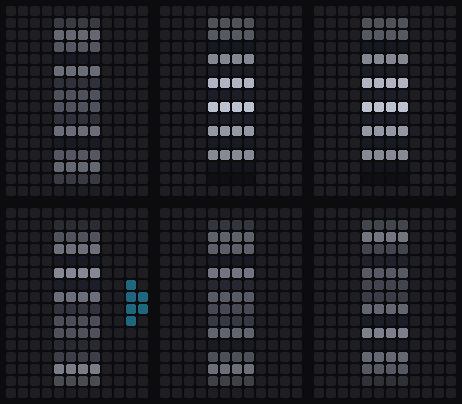 |  |
- Drag-scroll: a scroll wheel that turns a notch per scroll step; sideways scrolling lights a chevron on that side.
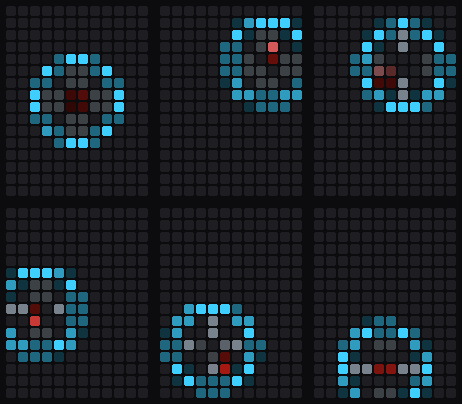
- Sniping: a scope that tracks a target the ball moves.
Setup
// config.h
#define LED_MATRIX_MODULE_PIN GP12
// keymap.json
{ "modules": ["bastardkb/bk_pointing_device", "bastardkb/argos", "bastardkb/bk_led_matrix"] }
Argos is required: it stores the chosen animation. Settings are in post_config.h. Pointer mode, activity and the chosen animation are synced from the USB half, so it works with either half connected.
Custom animations
-
Say how many animations the keymap adds, in
config.h:#define LED_MATRIX_MODULE_MOTION_USER_COUNT 1 -
Draw them in
keymap.c.indexis 0 toLED_MATRIX_MODULE_MOTION_USER_COUNT - 1:#include "led_matrix_motion.h" // A dot the ball rolls around the panel. bool bklm_motion_user(uint8_t index, RGB *pixels, const bklm_motion_t *m) { static int32_t x, y; // 256 per cell if (m->fresh) { x = BKLM_COLS * 128; y = BKLM_ROWS * 128; } x = CONSTRAIN(x + bklm_motion_step(m->vx, m->dt, 200), 0, BKLM_COLS * 256 - 1); y = CONSTRAIN(y + bklm_motion_step(m->vy, m->dt, 200), 0, BKLM_ROWS * 256 - 1); bklm_splat(pixels, x, y, (RGB){255, 80, 0}, m->fade, false); return true; } -
Flash.
LM_ANIMreaches them after the built-in animations. To choose the order, list the animations yourself:#define LED_MATRIX_MODULE_MOTION_CYCLE BKLM_MOTION_SPARKS, BKLM_MOTION_USER + 0
How it is called:
- About every 50 ms (
LED_MATRIX_MODULE_MOTION_REFRESH_MS), on the panel half only, withpixelscleared. Set cells with*bklm_px(pixels, x, y) = corbklm_add().xruns 0 toBKLM_COLS - 1left to right,yruns 0 toBKLM_ROWS - 1bottom to top. mdescribes the ball (seebklm_motion_tinled_matrix_motion.h):vx,vy: velocity.dir_x,dir_y: the last direction.norm: speed, 0 to 255.fade: brightness to draw at while fading out.dt: ms since the last frame.fresh: reset your state.idle: the ball is still.
- Keep state in
staticvariables. - Return
falseonce there is nothing left to show; until then, the panel shows the animation and not the duck.bklm_motion_linger()keeps the animation up for a while after the ball stops. - The built-in animations use the helpers in
led_matrix_motion.h:bklm_rand,bklm_sin8,bklm_cos8,bklm_atan2_8,bklm_isqrt,bklm_splat. Theirled_matrix_motion_*.cfiles are examples.
Credits
Ying Kun Zhan ying@zhan.co.nl